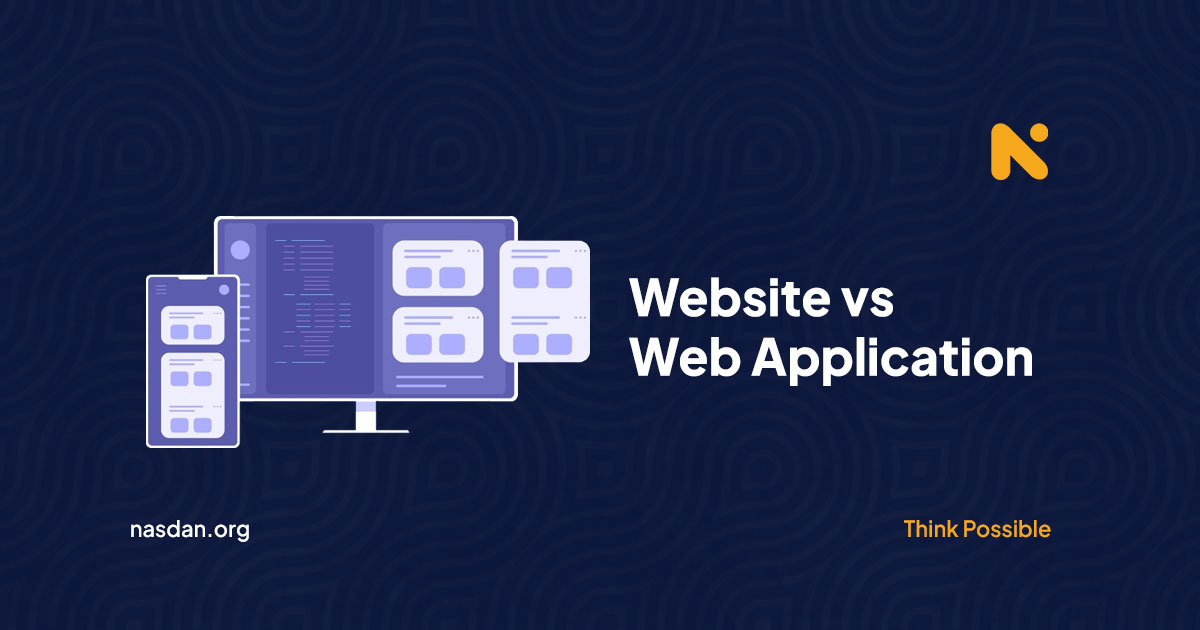
Is Gmail a website or an application? What about an online bank, a booking platform, or an online store? You visit all of them in a web browser by typing an address, just like a company's homepage. Yet they behave very differently: they know who you are, store your information, let you create and change things, and respond instantly to what you do.
The line between websites and web applications has become blurred, and that confusion matters. Choosing the wrong one is one of the most common and costly mistakes in digital projects. Some organizations spend heavily building a complex web application when a well-designed website would have served them perfectly. Others launch a simple website and then discover it cannot handle the bookings, payments, accounts, or workflows their customers actually need.
This guide explains clearly what websites and web applications are, how they differ in purpose, features, cost, security and maintenance, where hybrids such as portals and progressive web apps fit in, and how to decide which one your business needs.
At a glance
- A website primarily presents information: who you are, what you offer and how to contact you.
- A web application lets users do things: log in, enter data, transact, collaborate and manage information.
- Every web application is accessed through the web, but not every website is a web application.
- Web apps generally cost more to build and maintain and require stronger security.
- Many businesses need both: a website to attract customers and a web app to serve them.
- The right choice depends on your goals, users, budget, timeline and growth plans.
What is a website?
A website is a collection of related web pages, usually under one domain name, that presents information to visitors. Its main job is to inform, inspire and persuade: to explain who you are, showcase products and services, share news and content, build credibility and encourage visitors to get in touch or buy.
Websites are mostly read by their visitors. Interaction is usually light: navigating pages, watching videos, filling in a contact form, subscribing to a newsletter or searching for content.
Common types of websites
- Corporate and business websites present a company, its services and its people.
- Landing pages focus on a single campaign, product or action.
- Portfolio websites showcase work for creatives, agencies and professionals.
- Blogs and news sites publish articles and updates.
- Informational and nonprofit sites share knowledge, programmes and resources.
- Catalogue websites display products without full online purchasing.
Most modern websites run on a content management system (CMS) such as WordPress, which lets non-technical staff update pages, publish articles and manage media.
What is a web application?
A web application is interactive software that runs in a web browser. Rather than simply presenting information, it lets users carry out tasks: creating accounts, entering and editing data, making purchases, booking services, collaborating, analysing information and managing workflows.
Web applications typically:
- Require user accounts and authentication.
- Store and process user data in databases.
- Provide personalized views and functions for each user.
- Contain significant business logic, such as calculations, rules and workflows.
- Integrate with other systems, such as payment providers, CRMs, ERPs and third-party APIs.
- Update in real time as users interact.
Common types of web applications
- E-commerce platforms with carts, checkout, payments and order tracking.
- Online banking and fintech platforms for accounts, payments and transfers.
- Booking and reservation systems for travel, healthcare, events and services.
- SaaS products sold as online subscriptions, such as project management or accounting tools.
- Customer and partner portals where users manage accounts, documents and requests.
- Internal business systems such as CRMs, HR platforms, inventory and reporting dashboards.
- Learning management systems for courses, assessments and progress tracking.
- Marketplaces connecting buyers and sellers or service providers and clients.
- Collaboration tools for documents, messaging and teamwork.
These are the kinds of systems our custom software team designs and builds.
The spectrum between websites and web apps
In reality, digital products sit on a spectrum rather than in two neat boxes:
- Static websites: fixed pages that rarely change.
- Dynamic, CMS-driven websites: content updated regularly through a CMS, with forms and search.
- Websites with app-like features: online booking widgets, calculators, member areas or simple stores added to a website.
- Portals: web applications that often look like websites but provide logged-in, personalized functions.
- Full web applications and SaaS platforms: complex software with extensive logic, data and integrations.
A simple rule of thumb: if users log in, interact with their own data and complete tasks, you are in web application territory.
Key differences between websites and web applications
Purpose
A website's purpose is primarily communication: building awareness, sharing information, generating leads and supporting marketing. A web app's purpose is primarily function: helping users get specific tasks done and supporting business operations.
Interactivity
Websites offer limited interaction, mostly browsing, reading, and submitting forms. Web apps are highly interactive, with dashboards, data entry, real-time updates, notifications, and personalized content.
User accounts and authentication
Most websites do not require visitors to log in. Most web apps do, because they deal with personal data and user-specific functions. That means secure registration, login, password recovery, roles and permissions.
Data and integrations
Websites store relatively little data, mostly content and form submissions. Web apps store and process large amounts of structured data and usually integrate with payment gateways, CRMs, ERPs, messaging services, analytics tools and other systems.
Development complexity and timeline
Websites can often be built relatively quickly, especially using proven themes and CMS platforms, typically in weeks. Web applications require architecture design, database modelling, back-end logic, integrations, extensive testing and security work, and typically take months.
Cost
Websites generally have lower upfront and running costs. Web apps require greater investment in design, development, testing, infrastructure and ongoing improvement, but can deliver much greater value when they automate processes, generate revenue or serve customers at scale. Our guide to website redesign costs explains the factors that shape website budgets.
Technology
Websites typically use a CMS, HTML, CSS and some JavaScript, with lightweight hosting. Web apps typically use front-end frameworks such as React, Angular or Vue, back-end frameworks and languages such as Node.js, Python, PHP, Java or .NET, databases, APIs and cloud infrastructure designed to scale.
Hosting and infrastructure
Websites can usually run on standard hosting. Web apps need infrastructure that supports databases, background processing, scaling, backups and high availability, often on cloud infrastructure.
Security and compliance
Every website needs basic security: updates, secure hosting, HTTPS and protection against common attacks. Web apps need much more, because they handle logins, personal data, payments and business information. That includes secure authentication, access controls, encryption, input validation, regular security testing and compliance with data protection and industry regulations. Strong cybersecurity is non-negotiable.
Maintenance
Websites mainly need content updates, software and plugin updates and occasional design refreshes. Web apps need continuous maintenance: bug fixes, security patches, performance tuning, infrastructure management, feature development and support.
Search engine visibility
Websites are designed to be found through search engines, with public, crawlable content optimized for SEO. Much of a web app sits behind a login and is invisible to search engines, which is why most web apps rely on a public website or landing pages for discovery.
User experience
Website UX focuses on clear navigation, compelling content and calls to action. Web app UX focuses on efficient workflows, usability, accessibility and helping users complete tasks with minimal effort. Both benefit from professional UI/UX design.
Where progressive web apps fit in
Progressive web apps (PWAs) are web applications that behave much like mobile apps. They run in the browser but can be installed on a phone's home screen, work offline or on poor connections, send push notifications and load quickly, all without going through an app store.
PWAs are a strong option when you need app-like functionality across devices without the cost of building separate native apps, especially for field workers, customers with limited storage or users on unreliable connections. For a detailed comparison with native and cross-platform apps, see our guide to mobile app development approaches.
Do you need a website, a web app or both?
You probably need a website if:
- Your main goals are visibility, brand awareness, credibility and lead generation.
- You want to showcase products, services, projects or expertise.
- You need to support marketing campaigns and search engine visibility.
- Your content changes, but users do not need personal accounts.
- You need to launch quickly with a modest budget.
You probably need a web application if:
- Users need to log in and manage their own information.
- Your service involves transactions, bookings, applications or payments.
- You want to automate internal processes or replace spreadsheets and paperwork.
- You are building a SaaS product, marketplace or customer portal.
- You need real-time data, dashboards, integrations or collaboration.
You probably need both if:
- You run an online business where a public website attracts customers and an application serves them.
- You offer a digital product that needs marketing pages plus a logged-in platform.
- You want a public presence alongside customer or partner portals.
Many organizations start with a strong website and add web application features or a separate platform as needs become clear. That staged approach reduces risk and aligns investment with proven demand.
A practical decision framework
Before choosing, answer these questions:
- What is the primary goal? Awareness and leads, or delivering a service and automating work?
- Who are the users, and what do they need to do? Read and contact you, or log in and complete tasks?
- What data is involved? Public content only, or personal, financial or sensitive information?
- Which systems must it connect to? Payments, CRM, ERP, accounting or other platforms?
- How many users do you expect, now and in the future?
- What are your budget and timeline?
- Who will manage and maintain it after launch?
- What security and compliance requirements apply?
The answers usually make the right path clear. If they point in different directions, a website combined with a focused web app, or a phased roadmap, is often the best solution.
Common mistakes to avoid
Building a web app when a website would do. Paying for complex features users do not need wastes budget and time and makes the product harder to maintain. Start simpler and evolve when demand is proven.
Building a website when users need an application. Stretching a basic website with plugins to handle bookings, accounts and payments can create a fragile, insecure and frustrating experience.
Treating security as an afterthought. Web apps handling personal data and payments must be secure from day one, with proper authentication, encryption and regular testing.
Ignoring scalability. A solution that works for a hundred users may struggle with ten thousand. Choose architecture and hosting that can grow with you, without over-engineering for scale you may never need.
Underestimating maintenance. Both websites and web apps need ongoing updates, security patches and improvements. Budget for them from the start.
Neglecting mobile users. Many visitors arrive on phones. Whether you build a website or an app, design for mobile first.
Skipping discovery. Rushing into development without understanding users, goals and requirements is the fastest route to building the wrong thing.
Choosing the right development partner
The right partner helps you make the right choice before writing any code. Look for a team that:
- Asks about your goals, users and processes before recommending a solution.
- Can deliver both high-quality websites and robust web applications, so their advice is not biased toward one.
- Demonstrates expertise in UX, security, integration and scalable architecture.
- Has a clear process for discovery, design, development, testing and support.
- Can show relevant work and references.
Choosing what your users actually need
The website versus web application decision is not really a technical one. It is a business decision about what your users need to do and what your organization needs to achieve. Websites excel at visibility, credibility and communication. Web applications excel at delivering services, automating work and creating interactive experiences. Many businesses need both, working together.
At NASDAN, we help organizations make this decision with confidence, then design and build the right solution, from fast, search-friendly websites to secure, scalable web applications and portals. Our web development team follows a proven delivery process that starts with understanding your users and goals.
Not sure whether you need a website, a web app or both? Talk to our team.
Frequently asked questions
What is the main difference between a website and a web application? A website mainly presents information for visitors to read, while a web application lets users interact, log in, enter data and complete tasks.
Is a web application a website? A web application is accessed through a browser like a website, but it functions as software. Every web app is web-based, but not every website is a web application.
Is an online store a website or a web application? A full online store with accounts, carts, checkout, payments and order tracking is a web application, even if it looks like a website.
Which is more expensive, a website or a web application? Web applications usually cost more to build and maintain because of their complexity, data handling, integrations and security requirements.
What is a progressive web app? A progressive web app is a web application that behaves like a mobile app. It can be installed on a home screen, work offline, send notifications and load quickly, without app store downloads.
Can a website be turned into a web application later? Yes. Many businesses start with a website and add application features or a separate platform as their needs grow. Planning the right architecture early makes this easier.
Do web applications help with SEO? Content behind a login is not indexed by search engines, so most web applications rely on a public website, landing pages or content marketing for discovery.
How long does it take to build a web application? It depends on scope and complexity. A focused minimum viable product can often be built in a few months, while complex platforms take longer and continue to evolve after launch.